
Feb 16, 2026
Jest
Designing Tests
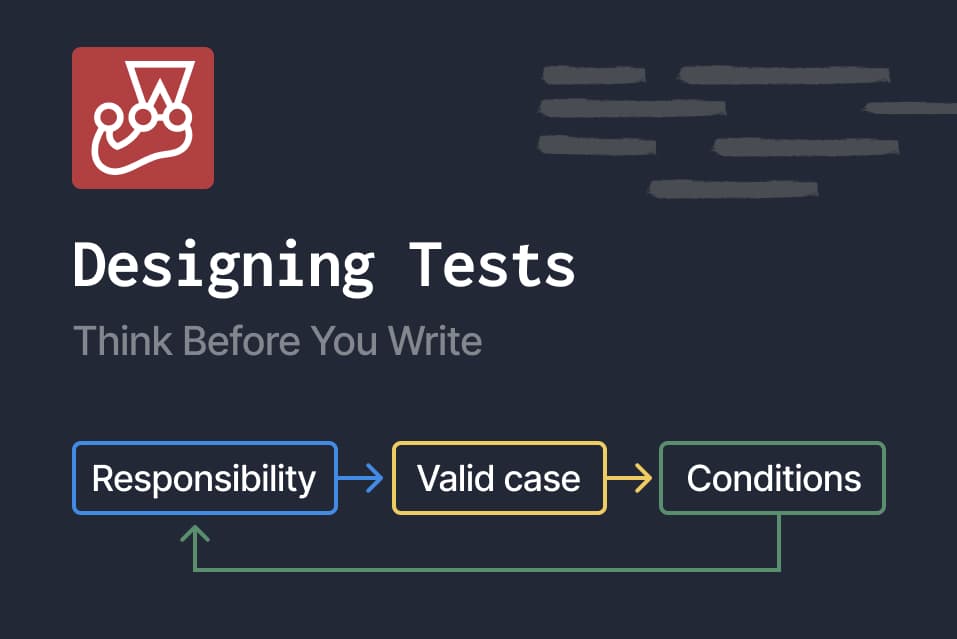
Overview
When I first started writing tests for frontend code, I felt stuck.
I had read books about frontend testing and looked up testing functions and methods. But when I faced my own code, I didn’t know what to test or how to start writing tests.
It wasn’t a problem of syntax.
It was a problem of thinking.
So I decided to step back and think about how to design tests rather than how to write them.
In this note, I focus on unit testing. In frontend applications, some parts only render UI, and those areas may not always require unit tests.
How I Chose What to Test
1. Is the input trustworthy?
I started by looking for places where the input cannot be trusted.
For example:
- URL parameters
- User input
- API responses
- Environment variables
- Any external data
Values that come from outside should not be assumed to be valid.
Logic that interprets these values is worth testing.
2. Is there branching or calculation?
Next, I looked for code that contains:
- Conditional branches
- Boundary values
- Numeric calculations
- State transitions
These parts are responsible for guaranteeing certain behavior.
However, I realized that not every conditional needs a test.
For example:
className={isActive ? 'text-red' : 'text-gray'}
This kind of purely visual branching has lower priority for unit testing.
Designing Test Cases
1. Identify potential test targets
First, look at the code and consciously identify parts that are likely candidates for testing.
The kinds of logic that are often worth testing include:
- Validation (interpreting untrusted input)
- Calculation (numeric logic, boundary values, state handling)
These areas tend to contain logic that guarantees certain behavior.
2. Imagine how it could break
Once a test target is identified, the next step is to imagine how it could fail.
-
Step 1: Identify responsibility
Look at the relevant part of the code and ask:
- What is this logic responsible for?
- What does it guarantee?
For example:
const currentPage = page ? Number(page) : 1;
const isInvalidPage = !Number.isInteger(currentPage) || currentPage < 1;
Rewriting this logic in plain language:
- If page exists, convert it to a number and assign it to currentPage
- If page does not exist, currentPage becomes 1.
- If currentPage is not an integer or is less than 1, then isInvalidPage is true.
The responsibility of this code is to guarantee a valid pagination state.
The purpose of the test is to ensure that this guarantee does not break. -
Step 2: Write one valid case
Start with one example that should work correctly.
For example:
If page = '2', then currentPage should be 2.
This confirms that the normal case behaves as expected. -
Step 3: Break down conditions
To design failure cases, break down the condition inside the logic.
!Number.isInteger(currentPage) || currentPage < 1This condition consists of two checks:
1. Not an integer
2. Less than 1
At least one test case should be written for each condition.1. Consider “not an integer”
Since currentPage is derived from Number(page), if page is not a numeric string, the result becomes NaN.- page = 'abc' → Number('abc') is NaN
- Number.isInteger(NaN) is false
Therefore:
- Case: page = 'abc'
- Expected result: isInvalidPage = true
2. Consider “less than 1” (boundary value)
currentPage < 1Whenever comparison operators (<, <=, >, >=) appear, boundary values should be examined.
Arrange values around the boundary:
-1
0
— boundary —
1
To test “less than 1”:
- Case: page = '0'
- Expected result: isInvalidPage = true
To ensure the condition is not accidentally dependent on 0 alone:
- Case: page = '-1'
- Expected result: isInvalidPage = true
-
Step 4: Repeat if necessary
Repeat Steps 1–3 for other parts of the logic if needed.
3. Organize cases and expectations
Once the cases and expected results are clearly defined, organize them.
These cases can then be translated directly into test code:
describe('page validation', () => {
  test('currentPage should be 2 when page is 2', () => {
    ...
  });

  test('currentPage should be 1 when page is not provided', () => {
    ...
  });

  test('invalidPage should be true when page is 0', () => {
    ...
  });

  test('invalidPage should be true when page is negative', () => {
    ...
  });

  test('invalidPage should be true when page is not a number', () => {
    ...
  });
});